XVORA Clothing mockup
Phone mockup of the XVORA Clothing storefront
Overview
XVORA Clothing is a Flutter e-commerce app for a Sri Lankan fashion brand. Shoppers browse and filter products, pick colour and size with live stock labels, use cart and wishlist, check out with promo codes and payment options, then track orders. An inventory dashboard restocks variants and syncs those counts back to the storefront. Cart, wishlist, orders, and stock persist locally across restarts.
- Role
- Mobile developer
- Team
- Solo developer (Me)
- Timeline
- Client project
- My contribution
- Designed and built the Flutter storefront, checkout, and inventory dashboard end to end.
Problem
A fashion demo needs more than a product list. Stock has to be honest per variant, checkout has to finish, and an admin restock should show up in the shop without a fake reload story.
- Keeping cart, wishlist, orders, and stock consistent after app restarts
- Showing accurate In Stock / Low Stock / Sold Out per colour and size
- Syncing admin restock changes back into the shopper-facing catalogue
- Guiding a full browse-to-checkout flow on mobile without dead ends
Product
The app covers the full demo loop: discover products, respect stock, buy with a promo, track the order, then restock from the inventory dashboard and see the storefront update.
- Home, shop grid, search/filters, and product detail with variant stock
- Cart with promo codes, wishlist, and local persistence
- Multi-step checkout with delivery, payment options, and confirmation
- Order history and fulfilment tracking
- Inventory dashboard with restock that updates storefront stock
Checkout and orders
Checkout walks through delivery details, payment choice, processing, and confirmation. Orders stay available for tracking after the purchase completes.
Inventory dashboard
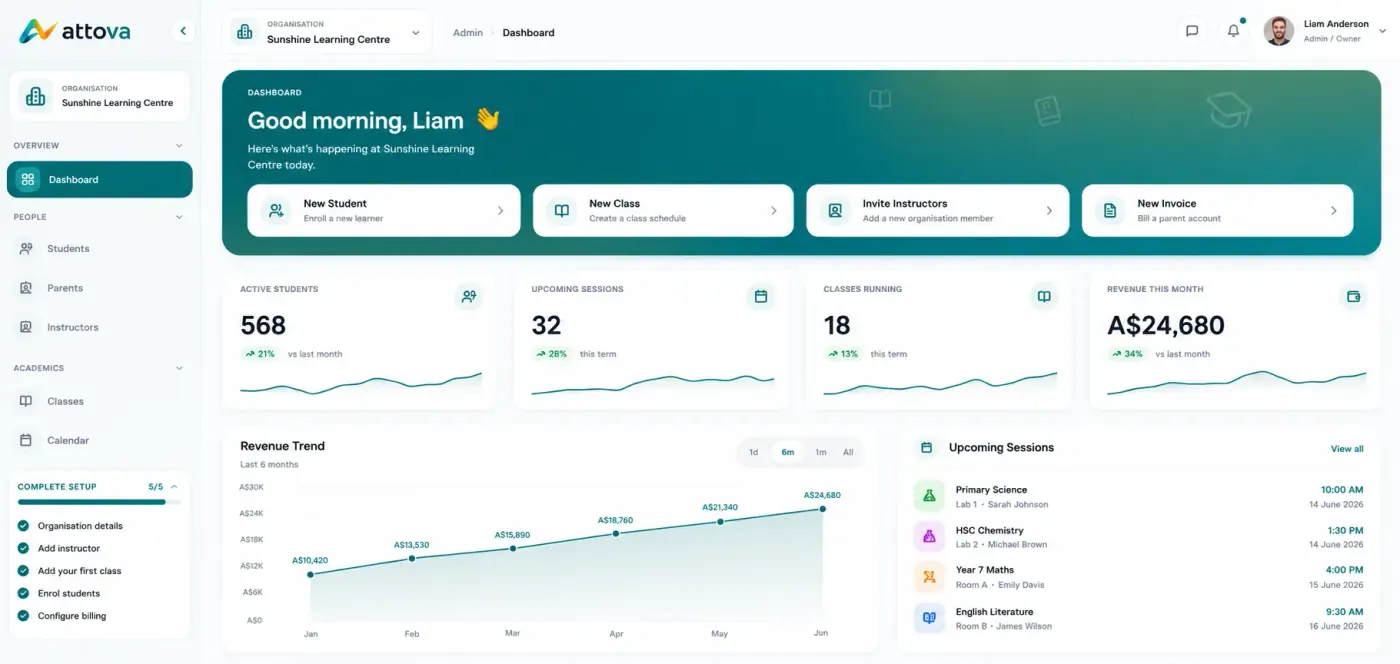
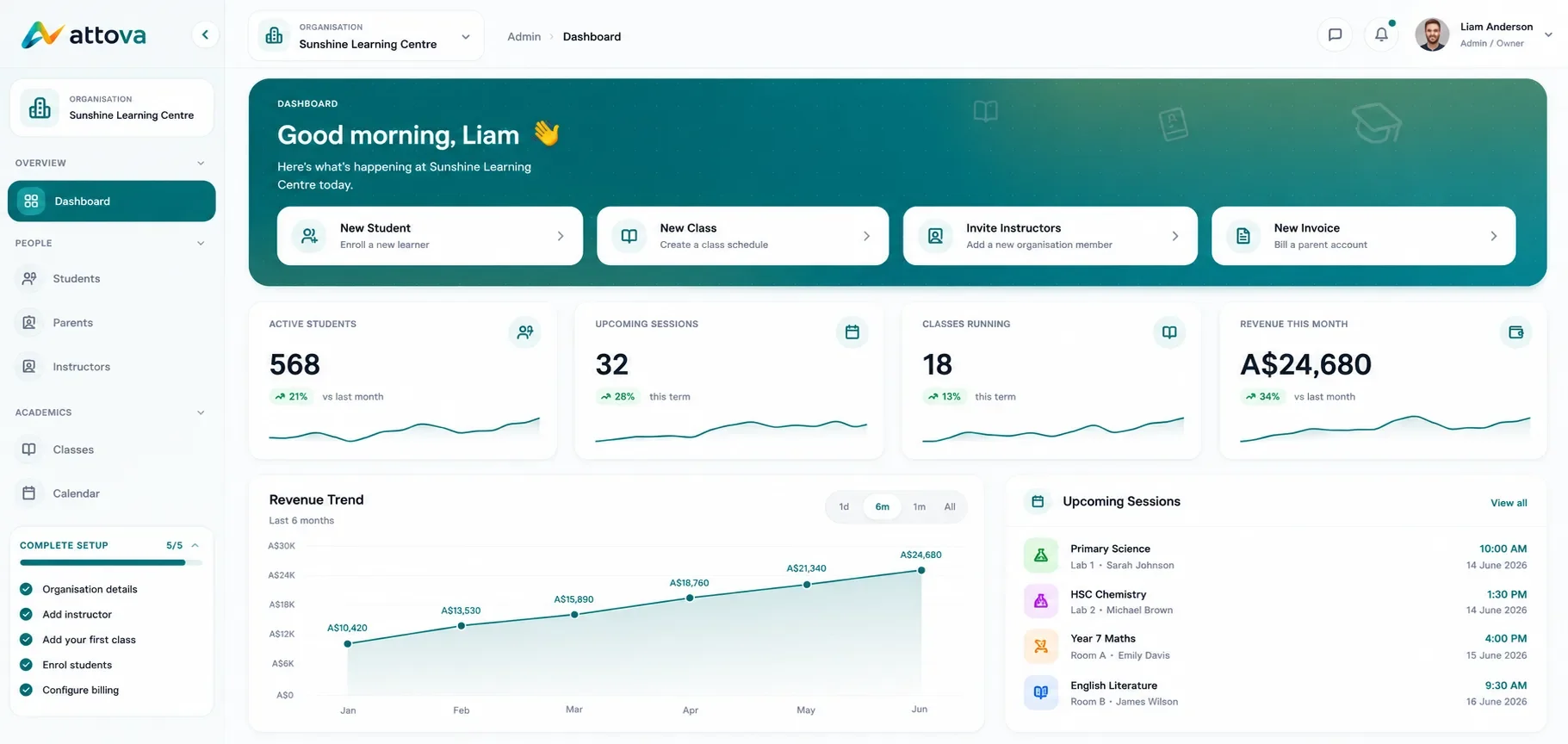
The inventory view lists variant stock and supports restock. Updates write through to the same stock state the shopper sees, so sold-out SKUs can return to Low Stock or In Stock in the catalogue.
Approach
I locked brand UI and the product/variant model first, then wired shared app state and local persistence so cart, wishlist, orders, and stock survive restarts and stay in sync between shop and inventory screens.
- Shared app state for cart, wishlist, orders, and inventory across screens
- Local persistence for cart, wishlist, orders, and stock across restarts
- Variant-level stock model with clear status labels on product UI
- Inventory restock path that writes through to storefront state
What changed
The demo can walk a complete fashion purchase path on Android, iOS, and web, including stock honesty and an admin restock loop, without a backend.
- Browse-to-checkout flow with promo codes and payment options
- Per-variant stock labels that match inventory actions
- Local persistence so demo state survives app restarts
Stack
Flutter and Dart, developed in Android Studio and Visual Studio.
 Flutter
 Dart
 Android Studio
 Visual Studio
More projects
Explore other work in the portfolio